My Karaoke Machine Throws Away Every Word It Hears
My band, OWNER/OPERATORS , makes songs that most people will never hear. So I spent a night building us a karaoke machine. Nobody asked. But now that the karaoke versions are on YouTube , we can request our own songs at bars and inflict them on everybody there.
The obvious plan was to give the whole job to a model : transcribe the words, time them, add a bouncing ball. That approach does not work, but its failure points to a better way to use the model.
The machine that can’t be trusted with words
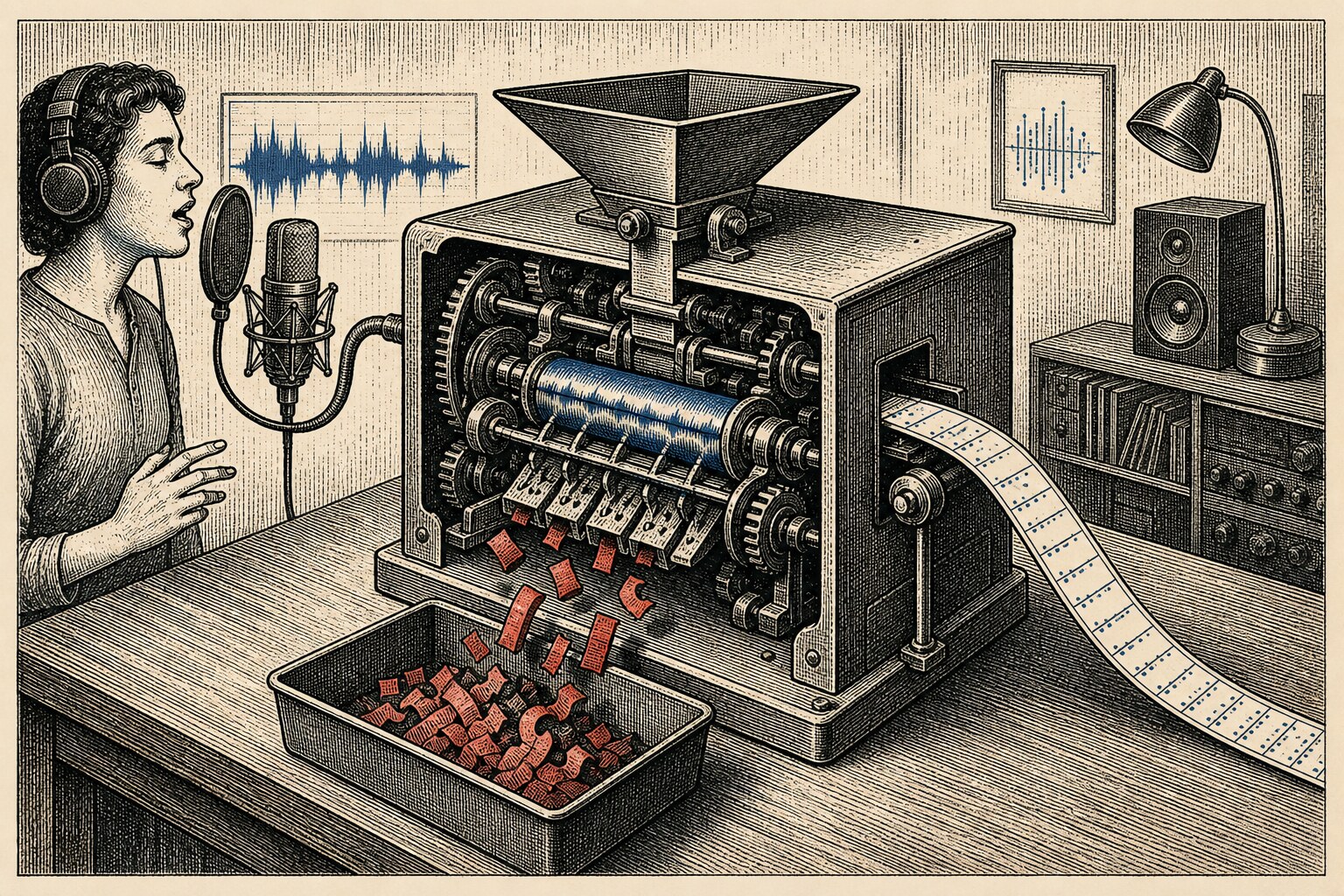
To put a word on screen when it’s sung, something has to hear the singing. The skill takes two exports of the same performance. The instrumental is the track you hear in the finished video. The vocal mix goes to one listener: a speech-to-text model named WhisperX. Its only job is to find when each word happens.
On sung vocals, WhisperX produces a rough cousin of the real lyrics. It hears “LOSS LEADER” as “lost leader.” Proper nouns change into other proper nouns. Anything stylized comes back a little wrong. If I trusted its transcript, the videos would misquote my own songs.
So I don’t trust the transcript. I throw the whole thing away.
WhisperX is bad at what I sang and good at when I sang it. The words are guesses; the times
are measurements. So I keep the clock and bin the dictionary. The skill maps WhisperX’s start
and end times onto the song’s lyrics.md, whose words I know are right because I wrote them.
Each real word gets the time of the word WhisperX heard in that position. Missing gaps are filled
in between. Right words, right time. The machine only gets to say when.
WhisperX is a pipeline, not one model. It runs Whisper through faster-whisper, which uses an
engine called CTranslate2. A second model then lines up the rough transcript with the audio to
get word-level times. My CTranslate2 fork has a Metal backend, so Whisper can run on the Apple
GPU in 16-bit precision. The model, audio and results all stay on my Mac. Nothing is uploaded,
and there is no API bill when I run a section again.
That local setup gives me more than privacy. I can change the model size, switch processors and repeat runs freely. The tool also keeps working if a cloud provider changes its price or limits.
Whisper also found a bug in that Metal backend. A twelve-minute test file made macOS kill the process 155 seconds in as memory climbed past nine gigabytes. Metal creates temporary objects that an app normally clears at the end of its event loop. CTranslate2 does its work on plain C++ threads with no event loop, so those objects piled up. Clearing them after each operation cut memory to 2.06 gigabytes and let all 730 seconds finish. The repair is part of the seven-part account of teaching CTranslate2 to speak Metal .
The confusing clue was that normal program memory stayed flat. The growth was in wired memory around the GPU, so the usual leak check pointed in the wrong direction. Disposable objects were never reaching the place where macOS normally cleaned them up.
Performance was mixed. Apple Silicon lets the CPU and GPU use the same memory, so data does not need to be copied back and forth. Its GPU is fast at large blocks of math. But Whisper produces one text token at a time, as a long series of small jobs. Starting each GPU job has a fixed cost. One large calculation keeps the GPU busy enough to cover that cost; one small token often does not. The size of the model alone does not tell you which processor will be faster. In my tests, Metal was stable and used about half the memory in 16-bit, but the CPU still transcribed faster. “Runs on the GPU” and “runs faster” are different claims. A local setup lets me measure both on the work I actually do.
Use the part that works
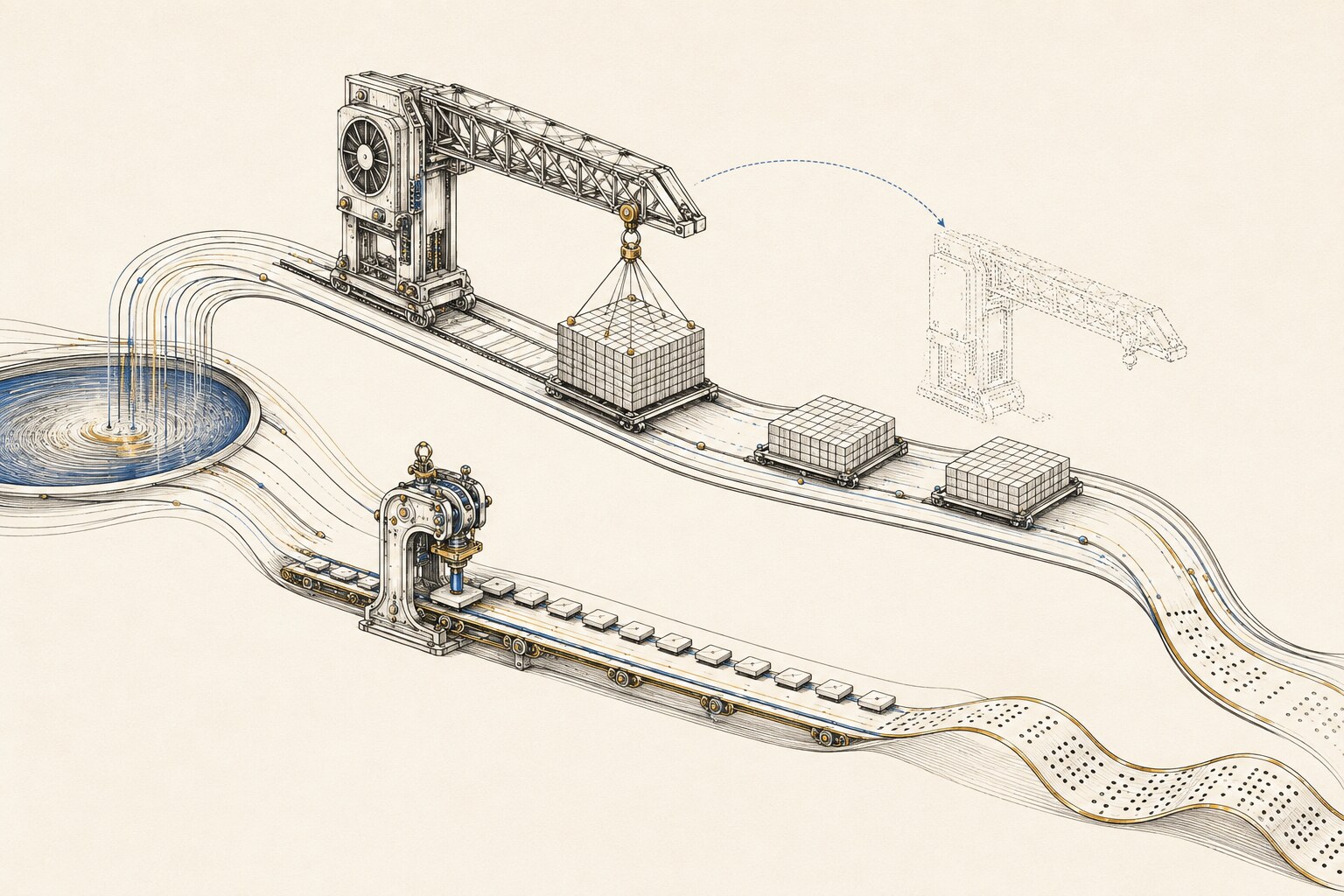
The useful pattern is to judge each output instead of trusting or rejecting the whole model. Ask the narrow question it can answer, then anchor the rest to facts you already have. WhisperX does not decide my lyrics. It estimates when each word landed, which is all I need from it.
The part nobody warns you is mostly fakery
Once the timing works, presentation does most of the remaining work. Without a title card, the video looks like a rough cut. The skill opens with the band and song names, then closes with the album, label, year and website. Those details make the video feel finished.
Old karaoke labels also had distinct looks, from clean blue discs to worn bootleg tapes. The videos we have released use a Winamp-style audio visualization built into the skill. It gives each song an animated background that responds to the music while the lyrics and timing stay consistent.
What I did
Like every other project on this site, the karaoke machine is entirely AI-coded. I worked only as director and validator. The agents wrote the ffmpeg filters, timing logic and render pipeline. I decided to separate the words from the timing, chose the credits and clips, tested the output and rejected what did not work. The skill records those decisions so the next song is faster.
And the machine, the one doing the listening, hears every word and is trusted with none of them. It sits there with perfect ears and no say, a session musician I hired strictly for his sense of time and specifically asked not to sing. Best collaborator I’ve got. He never once tried to rewrite the song.