The Browser Doesn't Need a Loading Screen for the Loading Screen
A web page can be a document. Words, pictures, links. You open it and there it is.
This is apparently a radical position now. Sometimes the document needs to boot a small business before it can tell you what temperature to roast a carrot. There’s a skeleton of a paragraph where the paragraph will eventually go. The skeleton is having a little shimmer. Everybody is working very hard.
I’m a Firefox guy. I started working on Dillo because I wanted the lightest browser I could get for an agent to automate. Something small that it could navigate, read, and operate without dragging an entire modern browser around for every job.
Dillo looked like a good place to start: a small browser with its own rendering engine and no JavaScript engine. The project eventually grew native Mac behavior and an iOS port, which is a fairly substantial detour from “give the agent a smaller browser.”
The carrot may have to speak for itself.

I should put the authorship disclosure near the door: AI agents do the code work. I direct the project and judge the behavior. Deciding how much browser I wanted was my job. I am not secretly a browser engineer who has been withholding his opinions about font metrics. I can, however, tell when a Mac application feels like it arrived wearing somebody else’s shoes.
First, give the agent the controls
Dillo already had a control socket and a command-line client called dilloc.
That gave the project a starting point for driving a running browser: navigate
to a URL, read the page, find out where you are.
The fork extends that interface so scripts can inspect links and forms, fill fields, submit, and follow links. Those are useful building blocks for an agent. The browser can expose the controls it actually has, and the agent can operate them through commands.
There are limits. This is the desktop control channel; the iOS port doesn’t have it. And without JavaScript, the browser can only work with what the server sends. A site that builds its entire interface in JavaScript is outside that remit.
I haven’t benchmarked every alternative to prove this is the lightest possible browser. The direction was to keep the machinery small enough for the job, and to find out what an agent’s browser could leave out.
Let the Mac be a Mac
Dillo already ran on macOS. The upstream project supplied the browser: the parser, the layout engine, the networking, and years of work that make a page appear. My fork builds on that.
The agent didn’t need a menu bar. I did.
The Mac work is largely about the things around the page. A system menu bar. Native right-click menus. A native address field. Save and find dialogs that belong to the operating system. Tabs that use the Mac’s window-tab machinery. An application bundle with an icon and a searchable Help Book.
None of those sound like a dramatic breakthrough. Put them together and they change whether the application feels like something you can settle into. Your hands already know how to work a Mac. Making them negotiate a special treaty with every text field is unnecessary paperwork.
Even the fonts needed attention. Dillo expects DejaVu; macOS doesn’t ship it. The fork bundles the font family and registers it for the application alone. Regular, bold, italic, bold italic. Small details, until your bold text isn’t bold.
This is the kind of work I find interesting about AI-assisted development. You can spend the effort on a particular preference. It doesn’t have to be a market segment. Sometimes the brief is: I like this little browser, and I want the menus to stop arguing with my computer.
Then the little browser got a phone
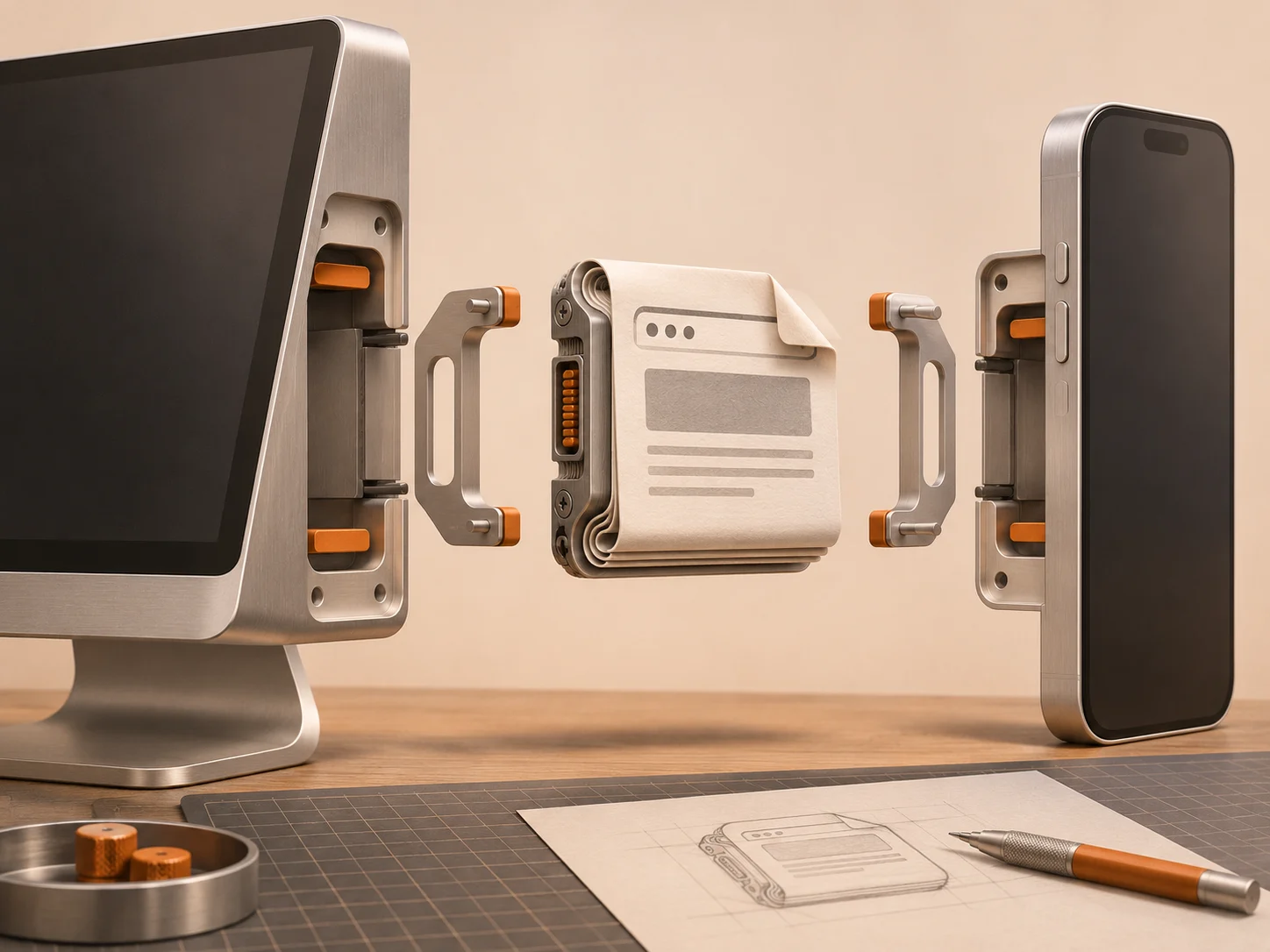
The iOS port goes further. Dillo’s actual HTML parser, CSS parser, and layout engine run behind an Apple interface. Core Text handles text metrics and fonts; Core Graphics draws the result. Apple’s networking fetches the pages. There is no FLTK, Dillo’s desktop interface toolkit, linked into the phone app.
The page is still being laid out by Dillo. That distinction is the interesting part: this isn’t a new coat of paint over a WebKit view.
What impressed me most was how little surgery that required. The parser and layout engine compiled unmodified through the first four milestones of the port, all the way to live pages with images. The Apple work could live around them: provide font measurements, drawing, image buffers, and the bridge to the phone’s interface.
That is a real compliment to Dillo’s authors. They had already separated the work of laying out a page from the platform-specific work of putting it on a screen. The iOS port could supply a different implementation at those boundaries and keep the existing engine doing its job. You can see the split in the port’s implementation notes .
I can’t offer a line-by-line review of their C++. I can appreciate the result: we asked this code to live on a phone, and huge parts of it didn’t need to know they had moved. It really is written well. The agents had good architecture to work with, and that deserves credit alongside anything they added.
The port browses the live web, loads images and stylesheets, follows links, and submits forms using native iOS controls. There is find-in-page, text selection, swipe-back navigation, and long-press menus. Shortcuts can open a URL in it.
Pinch zoom gives a good little example of where “it works” becomes a longer conversation. During the gesture, the app scales a preview. When you lift your fingers, it lays out the page again at the new size, making the text crisp. That avoids rebuilding the page on every twitch of your hand.
It also has a real remaining defect: rebuilding the page clears transient form values. Fill something in, then zoom, and you can lose what you typed. A browser that can submit a form and a browser that treats your work carefully are two different milestones. This fork is still work in progress.
For now, trying it means building it on a Mac, signing it with your own Apple development account, and installing it on your iPhone through Xcode. There is no App Store download.
Here in the US, Apple’s App Store rules still require web browsers to use WebKit. Its exceptions for the EU and Japan require approval and specific entitlements. Getting this experiment onto my phone doesn’t give me a way to put it in the App Store for yours.
Even Firefox on my phone is WebKit in a Firefox coat. Mozilla has its own engine and an entire identity built on browser independence, but it looked at the EU route and passed : maintaining a separate EU-only build would roughly double the iOS team. My sideloaded fork has a more independent engine than the browser I use every day.
The phone can run the little browser. Getting permission to hand it to somebody else is a separate engineering problem, except the compiler is a company.
Some pages won’t show up
No JavaScript means some websites simply won’t work. If the server sends a shell and expects a script to construct the useful part, Dillo doesn’t construct it. Limited CSS support also means pages can look different or break. A smaller browser has a smaller reach.
I don’t want to turn that into a claim that every broken page is somebody else’s moral failure. Web applications exist. Some of them are useful. You will still need another browser for plenty of things.
But I like having a browser whose capabilities make the distinction visible. Did the server send me something to read? Or did it send instructions for a machine that will, eventually, produce something to read?
The agent inherits that same boundary. Giving it more commands doesn’t make a JavaScript-built application appear. It has to recognize when this browser is the wrong tool for the page.
That makes it a bounded tool. I find bounded tools easier to have a relationship with. You learn where the edge is.
A small thing can have a future
There is something funny about using AI coding tools to work on a browser that does less. All this machinery, all this capacity to generate more software, and one possible destination is a small window containing some words.
I like that destination.
The fork also picked up persistent history and a few CSS fixes that aren’t specific to Apple platforms. Some improvements make the browser more capable; some make its existing capabilities more comfortable. Neither requires turning it into every other browser.
The source is in my Dillo fork
, with the Apple
work on the ios-render-spike branch. The underlying browser belongs to
the Dillo project
.
I started with a small browser for an agent. Along the way, I found a browser I wanted to make comfortable for myself, and an engine whose architecture made that detour possible. It can have native menus. It can live on my phone. It can remember where I was. Firefox doesn’t have to surrender its parking space.
Somewhere out there is a carrot recipe that is just a recipe: a temperature, a time, a pan. Dillo can open that one.
The paragraph can arrive fully dressed.